Running a small business or local service means your day fills up quickly. An AI scheduling assistant integrated with your CRM simplifies features into a single, easy-to-use platform. It manages most of the time-slot work for you and ensures every call is linked to the correct contact.
Used daily, this kind of setup helps you save time, respond faster, and give a smoother experience to every client. Whether you run a home service team, a small agency, or a solo practice, combining AI scheduling and lead management helps you stay ahead of competitors.
This guide explains what an AI scheduling assistant is, how it integrates with your calendar and CRM, the benefits it offers, and how to select and utilise it consistently.
What Is an AI Scheduling Assistant in CRM?

An AI scheduling assistant is a smart application that manages your calendar. When you are available, it crosses them off, displays them to clients, schedules events when they make a booking, and removes the interaction to ensure no one forgets.
You can view the entire route in one place, rather than trying to recall how and when a particular booking was made. You can track an individual from initial contact through follow-up and completion of work.
How we help you:
- Make each contact have all meetings, notes, and deals attached.
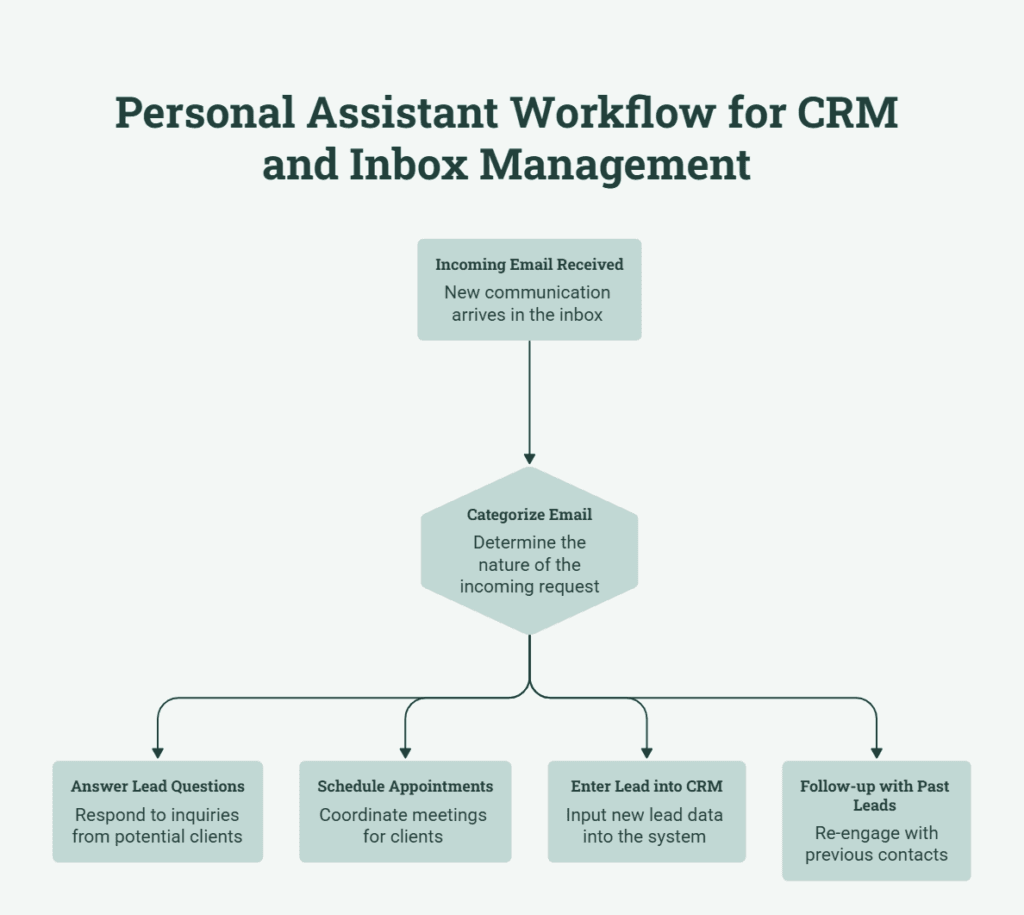
- Observes the flow of a client after initial inquiry to a booked call and the next step.
- Connect the tools you already have (email, calendar, Zoom) so you don’t have to do the same work twice.
Advantages of AI-based Scheduling for Small Teams
An AI scheduling assistant in CRM does more than send reminders. When used well, it improves how your day runs and how customers feel when they deal with you.
A clear view of each client and appointment
ForeverCRM keeps a single clean record for each lead or client.
In that record, you can see contact details, notes from calls, the service they requested, and all past and future appointments. When someone calls back, you do not need to search through old emails or loose notes. You open their record and see the whole story right on your dashboard.
This also helps your team work together. Anyone in the office can open the same record and see what has already been done and what needs to happen next. You do not have to depend on one person’s memory or their private notebook to know what is going on.
Transforming More Inquiries Into Genuine Conversations

An automated system allows you to track how each lead moves from first contact to booked call and beyond. You can see which people filled out a form but never booked, which clients always open your emails (email response rate as well), and who responds fastest.
How to Select an AI Scheduling Assistant That Fits Your Business
It is not necessarily the system that has a longer feature list that is the right one. It is the factor that influences how your team functions, the size of your staff, and how your customers prefer to book appointments.
When you compare options, check if they:
- They are easy for your whole team to learn and use every day.
- Works well on both mobile and desktop for office and remote staff.
- Connect with your existing tools, such as email, calendar, and video call apps.
- Let you set up your own meeting types, buffers, and fields that match your work.
A hybrid (AI and human account manager) model like ForeverCRM can be a good match for businesses in lead management if you want more help with turning leads into booked calls, because it brings the CRM together with simple booking links, quick follow-ups, and activity tracking in one system.
Common AI Scheduling & CRM Errors
Only regular and easy usage of an AI scheduling assistant CRM can help your team. Most issues are old or half-complete records, mismatches in the names of the same meeting type, or employees missing a step and proceeding to appointments and deals one after another.
A few daily habits can help prevent these issues. Fix errors and duplicate records to clean your data at designated intervals. Have clear names for meeting types and stages so that everyone captures things in the same way. Start with a simple installation, ensure that the entire staff embraces it, and then add other features when you are sure you need them.
Frequently Asked Questions (FAQs)
What is a CRM artificial intelligence scheduling assistant?
Such a setup will allow all reservations, reminders, and client information to be combined in one location, enabling tracking of calls, meetings, and final contact.
Why should there be AI scheduling CRM in a small business?
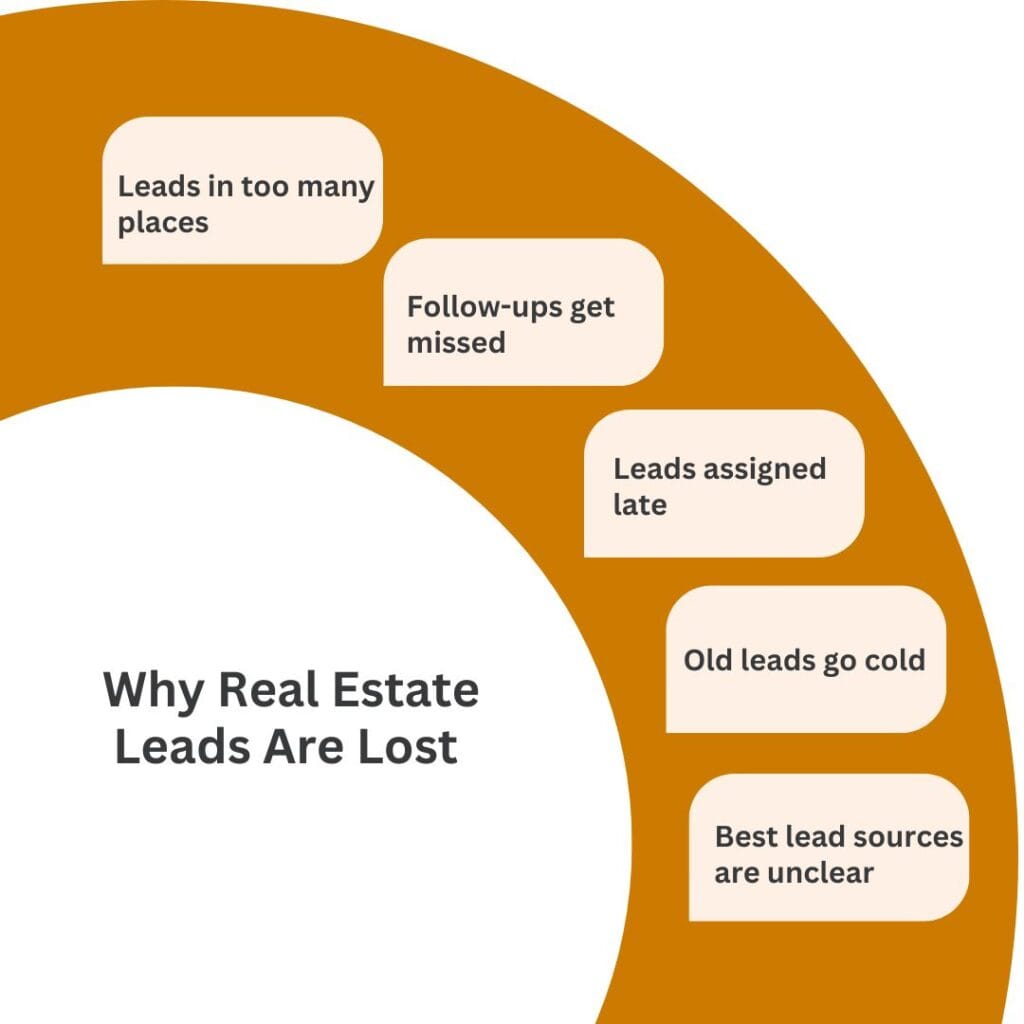
They keep you on track, improve response times, and prevent losing good leads due to missed calls, lost notes, or forgotten reminders. It also helps to save time, so you can focus more on the quality of your services while we handle all the backend technical stuff of lead management.
Would this type of system make me get more clients or projects?
When everything is in a single system, a response is faster, and follow-up is more frequent, you retain a larger percentage of customers from the leads that you get.
Contact Us for Management of AI Scheduling Services Through ForeverCRM
If you want to choose or set up an AI scheduling assistant that works well with ForeverCRM, you do not have to figure it out by yourself. Reach out to our team about a setup that fits your work and make a simple plan to use it every day.